Start with a template
Pick gray tracing, dotted lines, start arrows, trace-and-copy, letter boxes, seasonal borders, holiday borders, preschool, or ink saver from the generator panel.
Editable name tracing worksheets
Type one name or a whole class list, preview a school-style handwriting worksheet, then print a single PDF, a five-page practice pack, or one page per student.
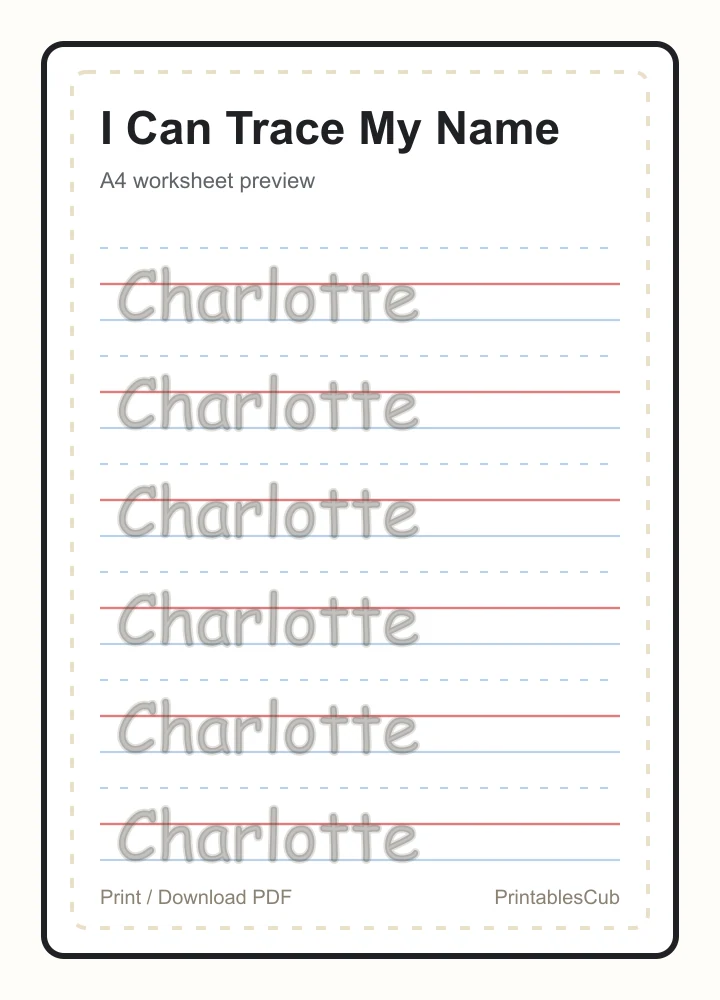
Ready to print
Name tracing worksheets help children learn the letters in their own names while practicing pencil control. A personalized sheet is useful for morning work, handwriting centers, preschool homework, and homeschool practice. This generator uses child-friendly school handwriting letters instead of ordinary typed-font outlines, then creates a printable PDF in your browser, so the name you enter is not uploaded or stored.
Pick gray tracing, dotted lines, start arrows, trace-and-copy, letter boxes, seasonal borders, holiday borders, preschool, or ink saver from the generator panel.
Choose 6 to 15 rows, letter size, spacing, guide lines, trace style, and optional start arrows.
Download five same-name practice pages for the week: lines, trace-and-copy, rainbow, letter boxes, and name builder.
Choose a printable name worksheet style below, then adjust the live generator with the child name, row count, letter size, guide lines, trace style, and border options before printing.
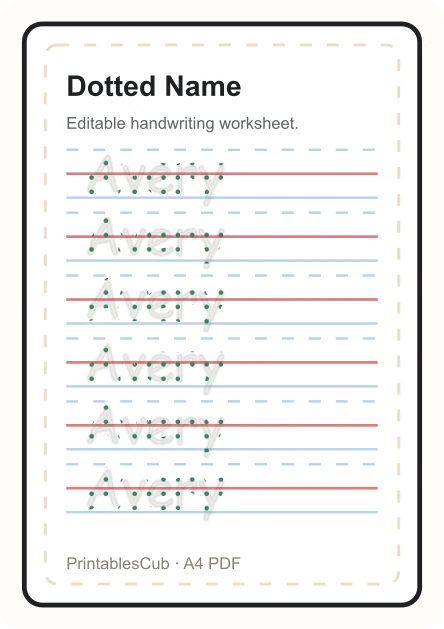
Start with a dotted name tracing worksheet for preschool, pre-K, kindergarten, homework folders, or morning work.
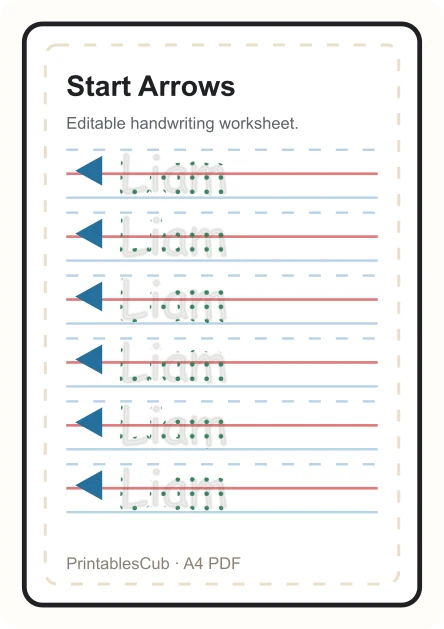
Use start arrows when a child needs a clear first-stroke cue before tracing each name row on handwriting guide lines.
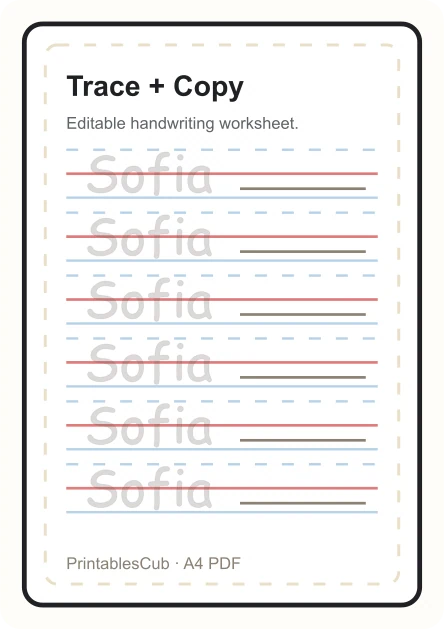
Make a trace-and-copy name worksheet when children are ready to trace a model first and then write independently beside it.
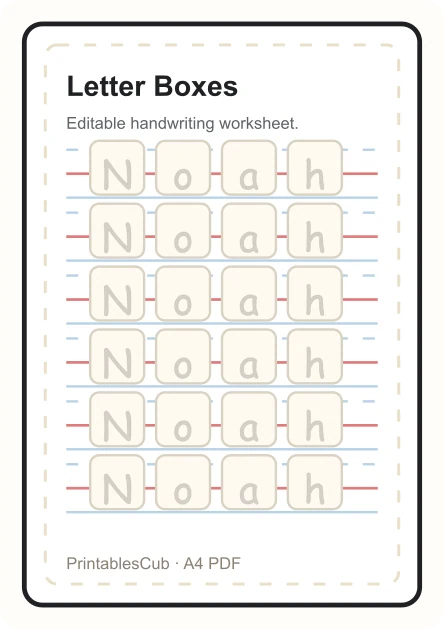
Choose letter boxes for spacing practice, letter recognition, and one-box-per-letter name handwriting support.
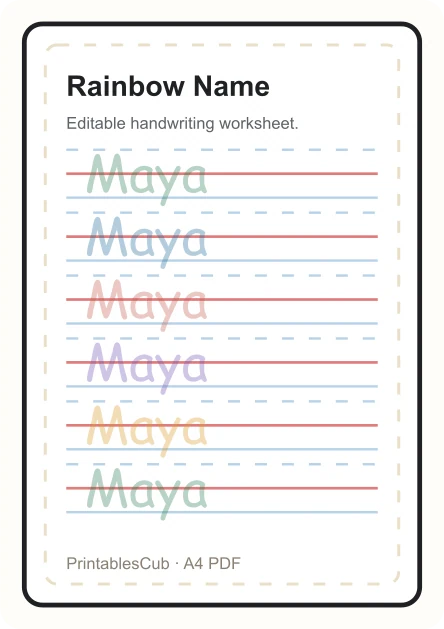
Add color to repeated name tracing rows for a more playful handwriting center or morning work page.
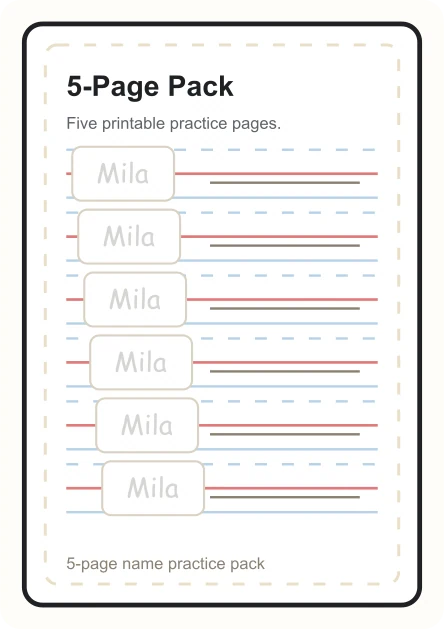
Download a weekly same-name practice packet with practice lines, trace and copy, rainbow tracing, letter boxes, and name builder pages.
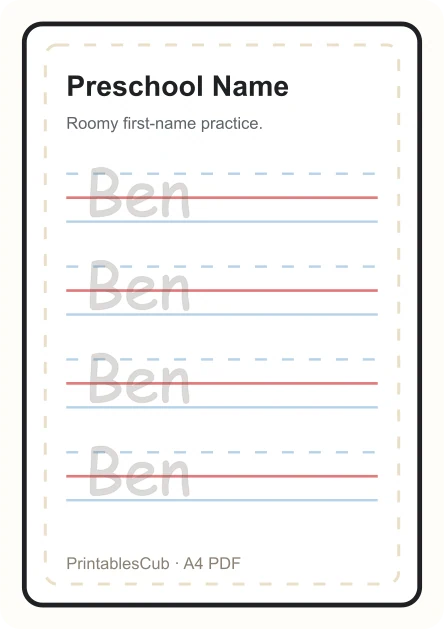
Use fewer rows and larger letters for younger children who need roomy first-name handwriting practice.
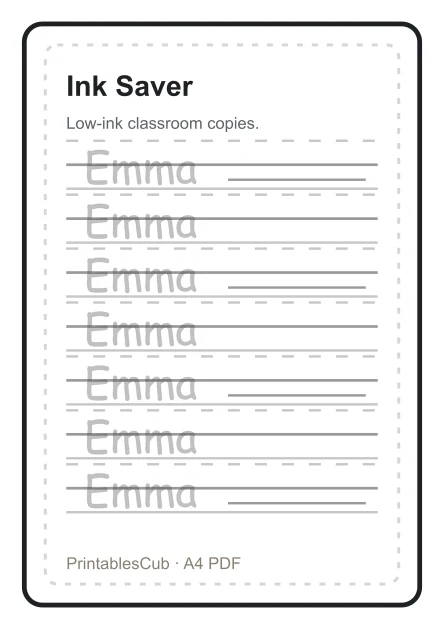
Choose a denser black-and-white name tracing page for classroom copies and quick handwriting review.
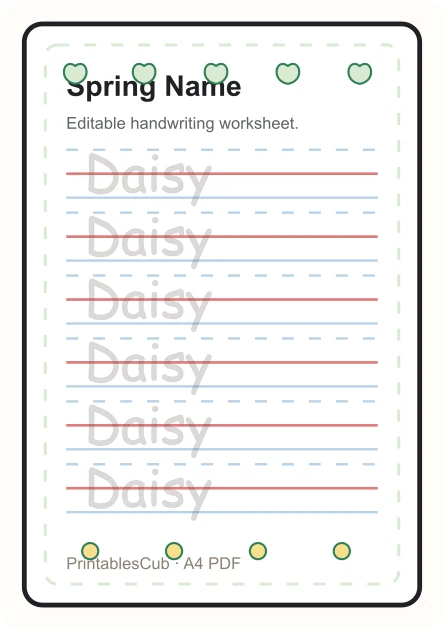
Use a spring name tracing worksheet with flower and leaf cues for seasonal handwriting centers while keeping the child name editable.
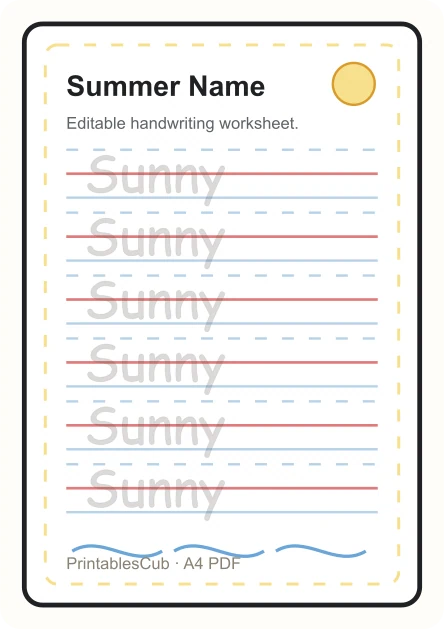
Use a summer border and colorful tracing rows for take-home review, camp folders, or seasonal practice.
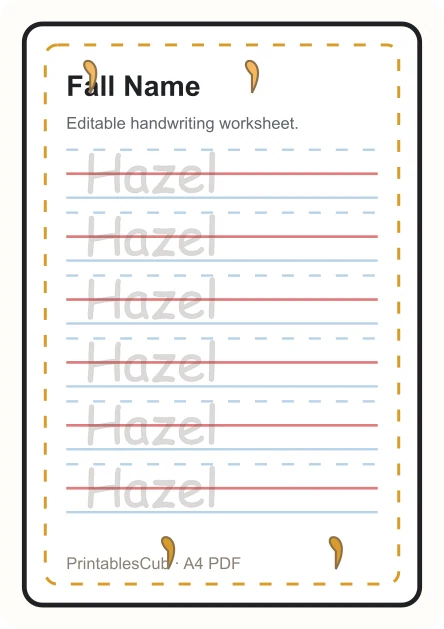
Make an autumn name tracing page for fall centers, leaf themes, or early-year handwriting folders.
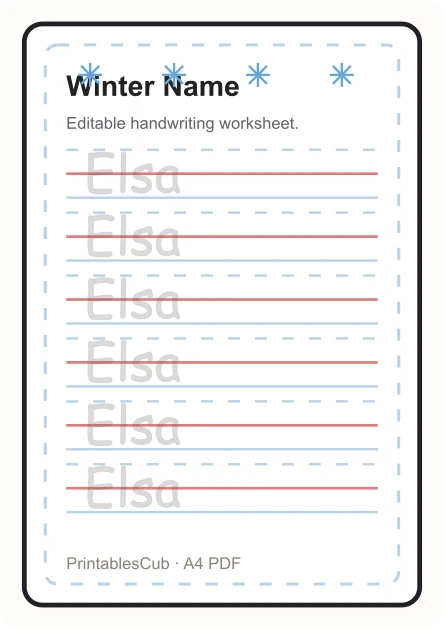
Print a winter name tracing page with a simple seasonal border for snow day packets and centers.
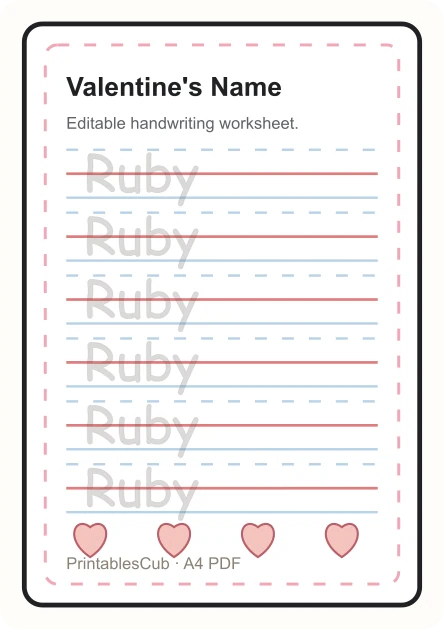
Use a generic heart border for February handwriting practice without character artwork or licensed themes.
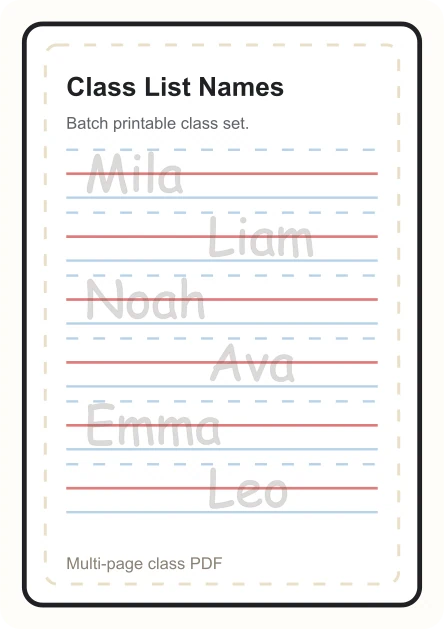
Switch to class list mode to turn multiple student names into one printable multi-page PDF for classroom folders.
The generator is designed for common long-tail worksheet needs: editable name tracing worksheets, printable name practice sheets, dotted name tracing worksheets, worksheets with arrows, seasonal name tracing, generic holiday name tracing, preschool name tracing, kindergarten name writing practice, first grade handwriting review, and quick PDFs for home or classroom use.
The tracing styles are built around a school-style handwriting font, not a dashed version of normal text. Gray and outline tracing are used as the clearest first impression, while dotted and dashed styles remain available for teachers who prefer them.
For early handwriting practice, letter recognition matters as much as decoration. The worksheet preview keeps the model letters soft and readable, aligns them with handwriting guide lines, and uses the same SVG source for the browser preview and PDF export.
The school handwriting font is embedded into the PDF rendering path, so downloaded worksheets keep the same letter shapes, spacing, trace style, and page size you checked in the live preview.
| Template | Best for | Recommended settings |
|---|---|---|
| Practice Lines | First name tracing worksheets and quick handwriting practice. | Medium letters, 10 rows, gray trace style. |
| Trace + Copy | Children who can trace confidently and need independent writing space. | Medium or large letters, 8 to 10 rows, 4-line guide. |
| With arrows | Children who need a clear cue for where each tracing row begins. | Large dotted letters, 8 rows, 4-line guide, start arrows on. |
| Rainbow | Multi-color tracing, morning work, and fine motor warmups. | Small or medium letters, 10 to 12 rows. |
| Letter Boxes | Children who benefit from a clear box around each letter. | Medium letters, 8 to 10 rows. |
| Name Builder | Letter recognition before full-name handwriting practice. | Mixed letter, box, and full-name rows. |
| Seasonal Borders | Spring, summer, fall, and winter handwriting centers. | 8 rows, medium letters, dotted or gray tracing. |
| Holiday Borders | Generic non-character holiday practice for classroom units. | Use Valentine's, Easter, Thanksgiving, or winter holiday presets. |
| Ink Saver | High-density tracing for quick classroom printing. | 12 to 15 rows, black or gray trace style. |
A fixed worksheet library cannot cover every child name, which is why name tracing works best as an editable generator. The Class list mode turns one line per student into one worksheet page per name, while keeping the file name generic and keeping typed names out of analytics. This matches the teacher workflow people look for in class-list name tracing worksheet generators, but keeps the page lightweight and usable without an account.
For one child, the 5-page practice pack gives a simple weekly set from the same typed name. It combines practice lines, trace-and-copy, rainbow tracing, letter boxes, and name builder pages in one browser-made PDF, so families can print a small packet without designing five separate worksheets.
The current route also carries common template intent inside the generator instead of splitting into thin pages too early: dotted name tracing, arrows, trace-and-copy, rainbow, letter boxes, seasonal borders, holiday borders, preschool defaults, kindergarten defaults, and ink saver printing are all reachable from the same live preview.
For younger preschool children, start with large letters and fewer rows so the worksheet does not feel crowded. For kindergarten handwriting practice, medium letters with 8 to 10 rows uses the page better while still leaving enough writing space.
If a child has a long name, the input keeps the printable text short enough for a clean practice row. Choose A4 or US Letter in the workbench to match the paper in your printer.
For children who are still building motor control, use large letters, gray tracing, and 4-line guide lines. For quick classroom printing, use the ink saver layout with 12 to 15 rows.
Use the same name tracing worksheet in different ways as handwriting improves. Start with tracing only, then ask the child to say each letter aloud, circle the first letter, or copy the name once at the bottom of the page after tracing.
For repeated classroom use, keep the child's name the same and change only the template or row count. This gives familiar practice without making every worksheet look identical.
Open a real sample PDF before using the editable generator. These static files help you inspect page spacing, handwriting lines, and pack format without waiting for the live preview.
A one-page A4 sample with school-style handwriting guide lines and repeated name practice.
Download sample PDFA multi-page sample showing varied name practice formats for a weekly handwriting packet.
Download pack sampleUse the generator above to replace the sample name, change rows, choose a border, and export your own PDF.
Customize this worksheetA name tracing worksheet is a printable handwriting practice sheet. It usually includes a child's name in traceable school-style letters, plus guide lines for tracing and independent writing.
The preview uses a child-friendly school handwriting font and tuned SVG trace styles instead of simply dashing a normal typed font. That keeps gray and outline tracing readable and closer to real handwriting guide-line practice.
Yes. Type a name or class list, choose the settings, and click Print / Download PDF. The file is generated locally in your browser from the same worksheet preview you see on the page, so the font style and layout match the live preview. In Single name mode, the 5-Page Pack button creates five worksheet variations for the same name in one PDF.
Yes. Type a different name, choose a template, and the worksheet preview updates before you print or download the PDF.
Yes. Use Class list mode and enter one student name per line. The generator creates a separate worksheet page for each name in one printable PDF.
Yes. In Single name mode, use the 5-Page Pack button to download five practice pages for the same name: practice lines, trace-and-copy, rainbow tracing, letter boxes, and name builder.
Start with Practice Lines or Letter Boxes, medium or large letters, gray tracing, 4-line guide lines, and 6 to 8 rows. Move to 10 to 15 rows when a child can practice for longer without fatigue.
Yes. Use larger letters and fewer rows for preschool, medium letters for kindergarten, and denser rows or trace-and-copy layouts for first grade handwriting practice.
Yes. Use the With arrows popular start or open Customize and turn on Start arrows. The worksheet adds small arrows at the beginning of each practice row to cue the first stroke direction.
Yes. Use the printable resource section to choose spring, summer, fall, winter, Valentine's, Easter, Thanksgiving, or winter holiday name tracing borders. Each preset updates the live preview before download.
Yes. The first version is free and does not require a login.
It is best for preschool, pre-K, kindergarten, homeschool, and early handwriting practice.